Features · Domains & HTTPS
A web address and HTTPS for every app.
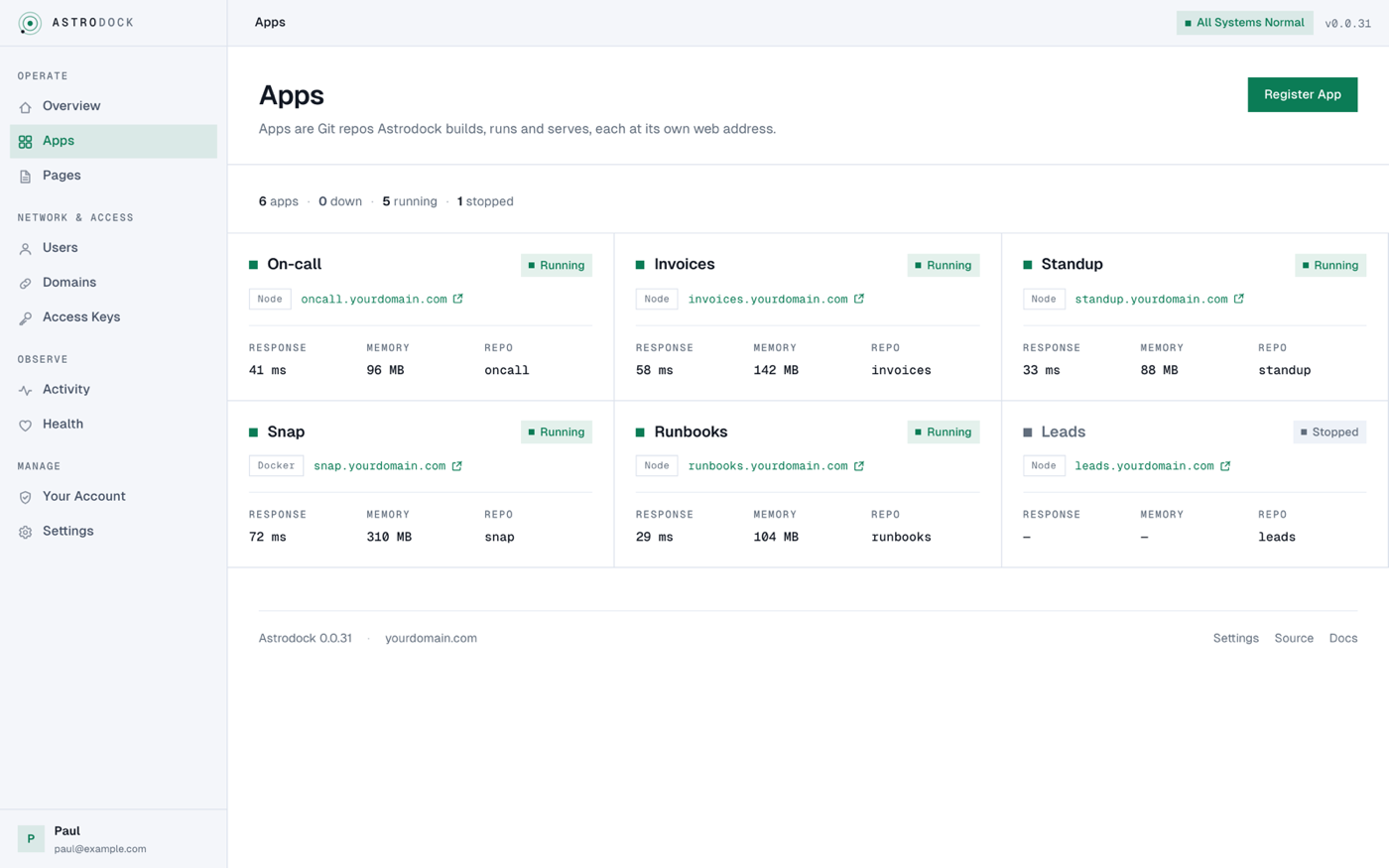
Each app gets its own subdomain with a certificate as soon as it's created. Certificates renew on their own. Add your own domain to any app.
What You Set Up Once
One Wildcard Record
Self-hosted, point *.yourdomain at the machine during setup. That's
the last DNS you touch for ordinary apps. On Astrodock Cloud, your server comes with
an address already set up.
A Subdomain for Every App
Deploy an app and it's reachable immediately at its own name, with a certificate already in place.
Certificates Renew Themselves
There's no renewal job for you to set up and no expiry date to watch.
Custom Domains
Use your own domain for any app.
Put a real domain in front of any app and Astrodock shows the exact record to create, checks for it, and turns on HTTPS once it's in place. The dashboard shows whether the record is working yet.
There's a lighter option too: Pages publishes a document or a small static site straight from a folder, with no app to build, and the same access control if you want it behind a login.
Custom Domains and DNS →Self-Hosted Setup
The DNS records you create once.
When you run it yourself, you add a wildcard record at your registrar. Every app you deploy afterwards is covered by it, with no more DNS work and no certificate to request. On Astrodock Cloud this is already done.
TYPE   NAME              VALUE
A      *                 203.0.113.10
A      @                 203.0.113.10

# then, for a custom domain on one app:
CNAME  rota.acme.com     oncall.yourdomain
Or start on Astrodock Cloud, or install it on a machine you control.